The way you edit corporate videos has always mattered, but with so many teams producing content across all formats and audiences, this stage is even more crucial. Editing can be what separates a polished, on-brand result from an underwhelming video that gets ignored.
At the same time, that process is often involved — a single marketing campaign might need a short social cut, an internal update, a training video, and a polished full-length production for customers or stakeholders. AI tools can speed up the work, but your team’s efforts still determine whether the final video makes an impression.
This article covers techniques to improve your corporate video editing and shares common mistakes to avoid. We’ll also explain how a platform like Vimeo puts you ahead of the competition, by giving your team a streamlined way to edit, review, host, and share videos at scale.
Video editing techniques for corporate videos
When applied to corporate video creation, these techniques help you present a professional image and get your message across clearly:
- Tighten the pacing: First takes can drag, so start by cutting out filler and long pauses that slow the video down. Then take a look at the pacing, and omit anything that doesn’t add needed context or move the story forward.
- Build a clear story: Open with the video’s main point and arrange footage in a logical order, making sure each section takes viewers smoothly from one idea to the next. Especially if the video is long, add in simple transitions that support the storytelling without drawing attention to the edit itself.
- Use lower thirds with purpose: Lower thirds — text labels that appear near the bottom of the screen — are great for identifying speakers or introducing key points. Just make them brief so they add clarity instead of clutter.
- Keep brand elements consistent: Consistent branding makes your content feel connected even when the footage comes from different teams. So use the same logo, fonts, colors, and title style across each piece of content, and assemble a brand kit to make future videos easier to manage.
- Clean up the audio: Remove background noise, and ensure that dialogue is easy to follow from start to finish. If viewers struggle to hear the speaker, they’re more likely to miss the message and stop watching.
- Add subtitles and captions: Subtitles and captions make video content easier to follow for those who can’t play or hear the audio. Plus, these elements help all viewers catch your full message.
- Use B-roll and motion graphics sparingly: B-roll is supporting footage, while motion graphics are animated visual elements that highlight or explain something on screen. Both can be very useful for illustrating complex topics, but can be distracting if used too often, so only include them if they make your point clearer.
What to avoid when creating corporate videos
Even a well-shot corporate video can fall flat if editing choices make it harder to follow or result in an off-brand style. Here are some common mistakes to avoid:
- Trying to fit everything into one video: Most corporate videos work best when they have one job — once you start squeezing in too many messages, the structure gets harder to follow. Plus, your audience might miss the parts that matter most. For those reasons, strong video editing often means cutting good material that belongs in a different video.
- Using stock footage as a substitute for relevance: Stock footage can help when you lack supporting visuals, but it can also make the video feel generic. If imagery could belong to almost any company, it won't do much for your message or brand identity. So use stock media selectively, and make sure it fits the tone and purpose of the rest of the footage.
- Letting the look shift from shot to shot: When footage from different cameras or rooms doesn’t match, your video can feel patched together and less professional. Color correction helps make the final result more consistent and deliberate.
- Forgetting to tell viewers what to do next: If your goal is to encourage the audience to apply, respond, make a purchase, or keep watching, your call to action must be hard to miss and clear enough to act on.
5 best video editing platforms for quality, professional content
There are a lot of options for editing corporate videos — your company can handle video editing in-house with a dedicated platform or outsource the work to a creative agency. If you’re not sure what approach to take, here are five options worth considering.
1. Vimeo
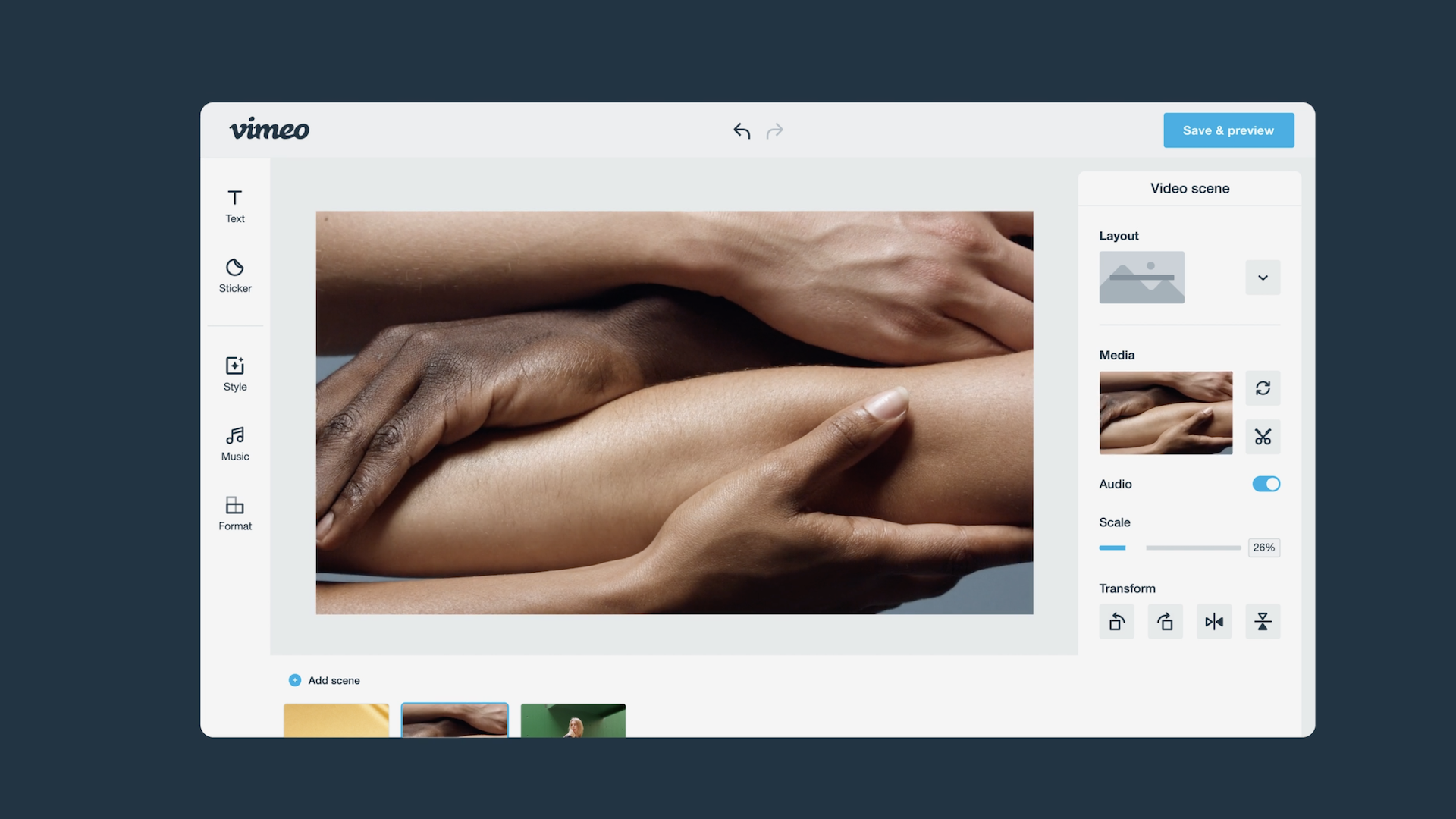
Vimeo gives teams a simpler way to edit corporate videos, share feedback, and publish finished content without bouncing between separate tools. You’ll get access to text-based editing, brand controls for more consistent formatting, built-in reviews and approvals, and high-quality playback options. Plus, even if you use a separate editing tool or service, you can upload those videos to Vimeo for easier, more secure hosting and sharing.
Pros:
- Robust drag-and-drop editing
- Timeline trimming
- Ad-free, branded Video Player
- Built-in review and delivery workflows
- Templates to get you started fast
Cons: Less ideal for highly specialized, studio-style post production workflows
Pricing: Starts at $12/month
Best for: Internal communications and marketing teams
Edit and publish your next corporate video with Vimeo →
2. Superside
Superside is a creative subscription service that includes video editing as part of a broader offering. This service is built for teams that need recurring support across campaigns. So it can work well if video is only one part of a larger creative workload, and your team wants a single partner handling more than just post production.
Pros:
- Scalable subscription model
- Broader creative coverage
- Quick turnaround times
Cons: Reliance on a third party and less control over the results
Pricing: Quote-based
Best for: Teams that need a full suite of creative services alongside video editing
3. beCreatives
beCreatives offers subscription-based video editing services for brands that want regular output but lack internal editing teams. If you already outsource content, this platform could save time versus managing freelancers on a project-by-project basis.
Pros:
- Ongoing support
- Revision-friendly service model
- Predictable workflow
Cons: High cost, and you’ll still need separate tools for hosting and playback
Pricing: Starts at $899/month
Best for: Teams that want to outsource recurring video editing
4. Irisbits
Irisbits is a subscription service for video editing and graphic design, with one simple monthly fee and a clear workflow for ongoing content needs. This provider focuses on fast turnarounds with consistent style, which can be useful if speed and reliability matter more than a customized post-production process.
Pros:
- Consistent style across projects
- Includes graphic design support
- Unlimited requests and revisions
Cons: Only handles one task at a time, and is less suited to larger custom video projects
Pricing: $395/month
Best for: Teams that want recurring editing support
5. Clipmasters
Clipmasters combines a dedicated editor, account management, and support for a wide range of video formats. This structure can make workflows easier to manage, particularly for teams that produce content across multiple channels and timelines.
Pros
- Handles varied content types
- Keeps revisions organized
- Supports structured workflows
Cons
- Less flexible for occasional projects, and not built around in-house editing control
Pricing: Starts at $831/month
Best for: Teams that need ongoing, outsourced multichannel editing support
Edit and publish corporate videos faster with Vimeo
Editing corporate videos can be a big project — teams need to move quickly, keep quality high, and make sure each piece of content works well across all the channels where your audience watches. But you can save a lot of time by moving from edit to publish in one place.
Vimeo supports corporate workflows with:
- Editor plus Brand Kits for fast, consistent content
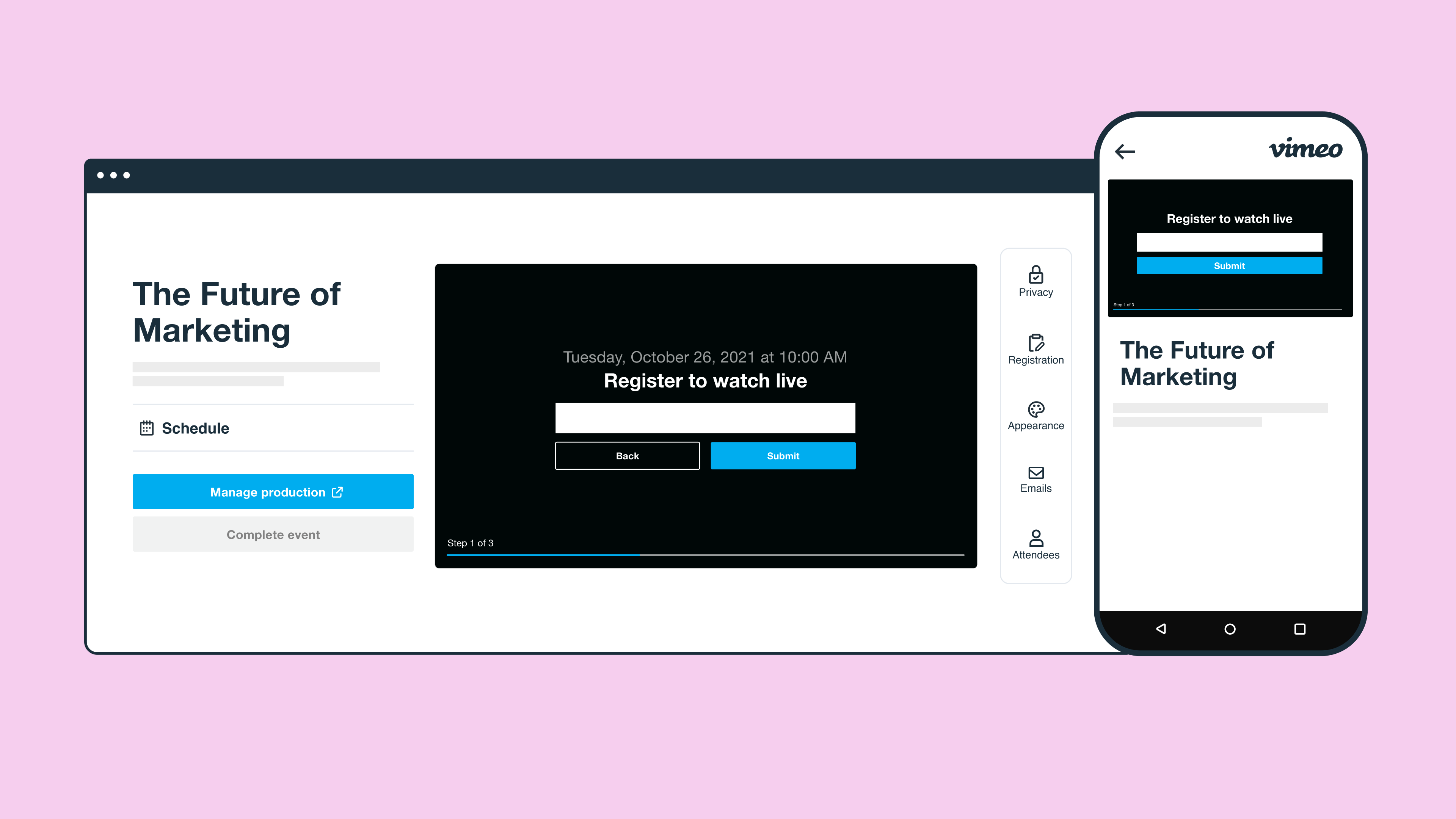
- Review for easy approvals and stakeholder feedback
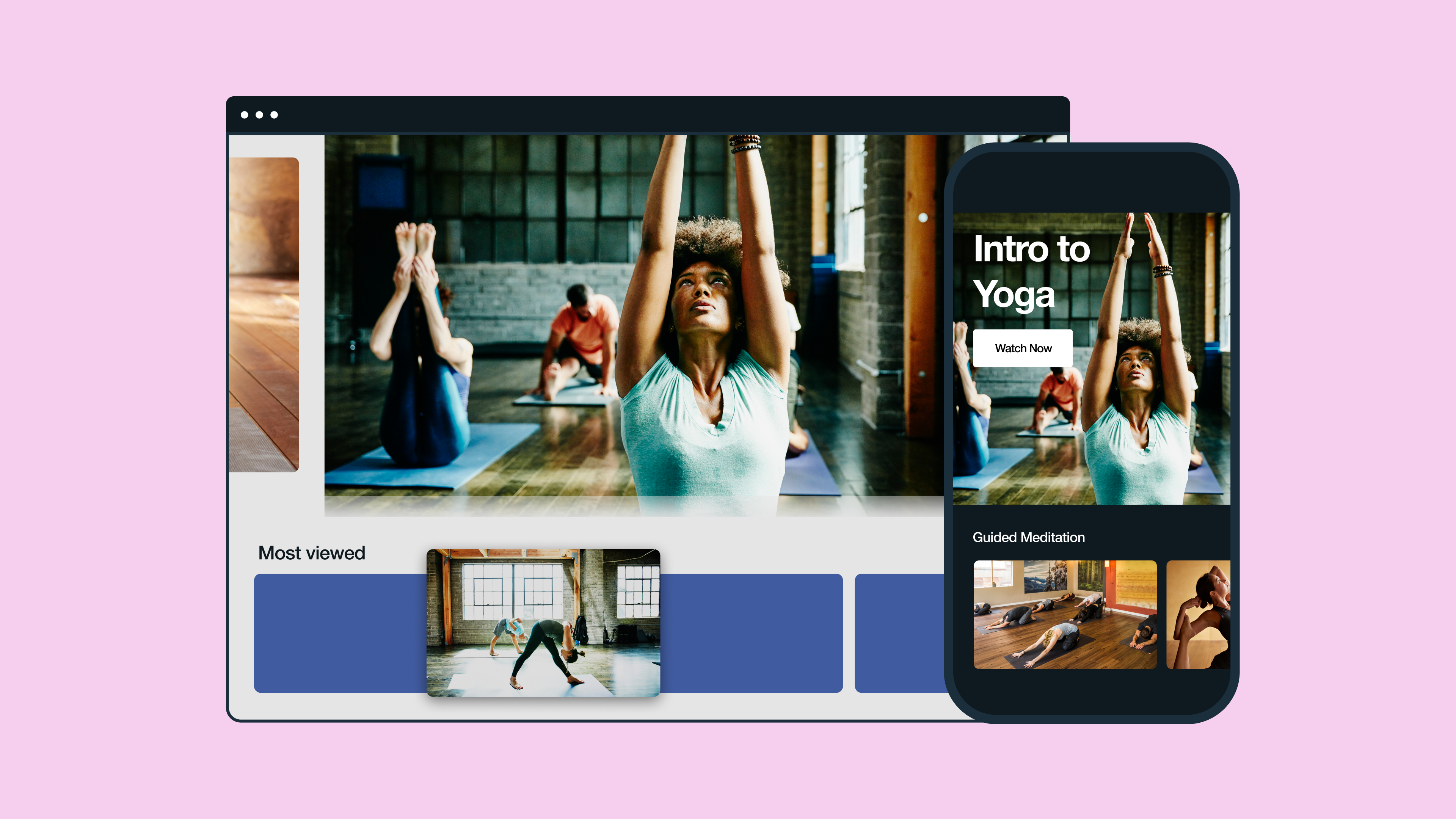
- Video Showcases for organizing full libraries
- Hosting and Video Player for professional playback and distribution
Plus, if you use a film editing service, Vimeo still supports the rest of your workflow. You can use our platform to review cuts, collect feedback, host finished videos, and share them securely.