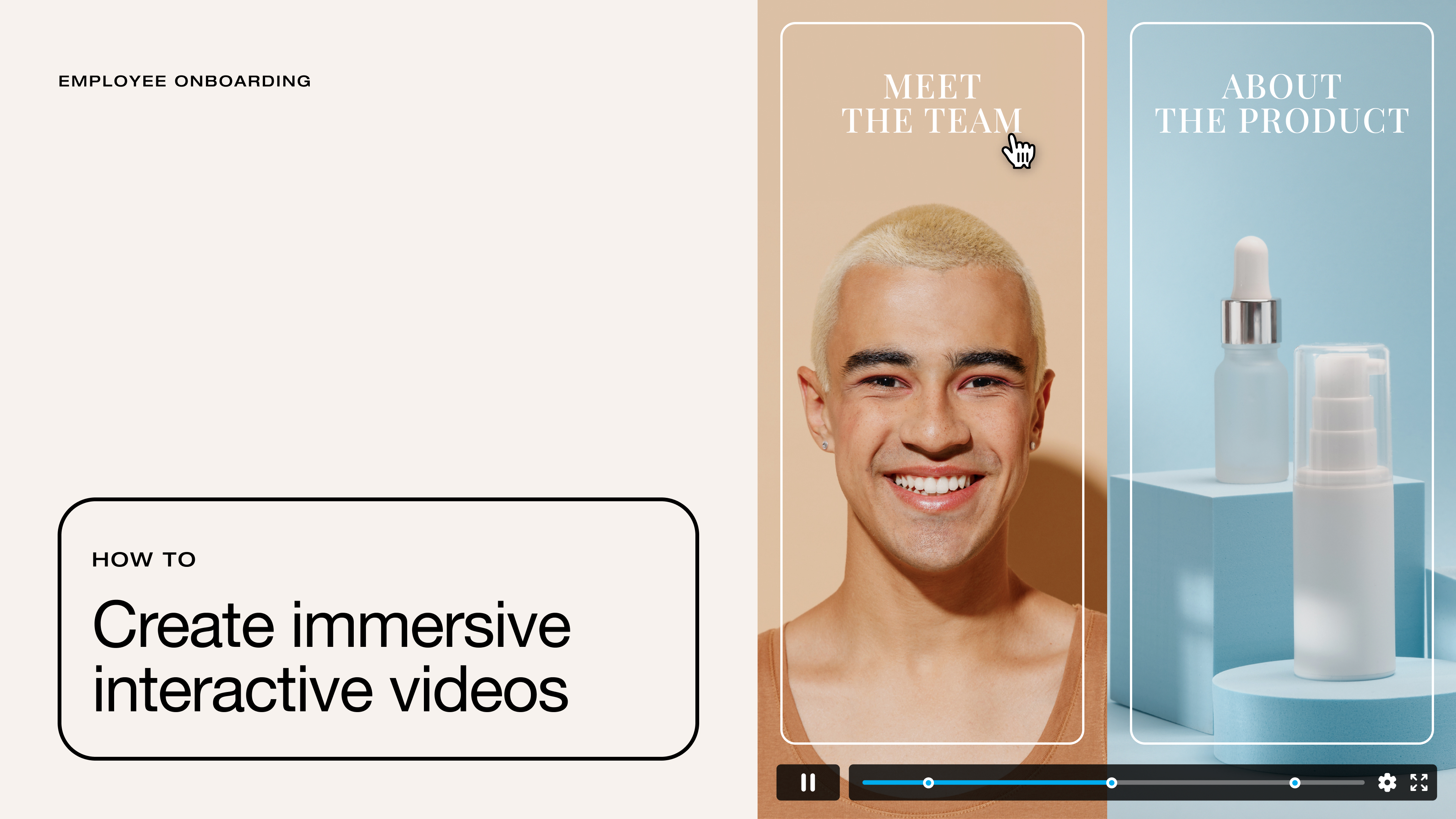
Most videos play straight through until the end, but interactive videos respond to viewer actions. Instead of passively watching, viewers can interact inside the video player without breaking the content’s flow. A simple click may reveal more details about a topic or point toward the next step in a task.
Interactive videos are also more informative for your team, as they offer additional engagement data. Click tracking tells you which prompts landed, what options were ignored, and where people stopped paying attention, so you can tighten future video experiences without relying on guesswork.
In this article, we’ll define interactive videos and explain what makes them work well. We’ll also walk through some practical use cases and introduce platforms for creating this type of content.
Why interactive videos are beneficial
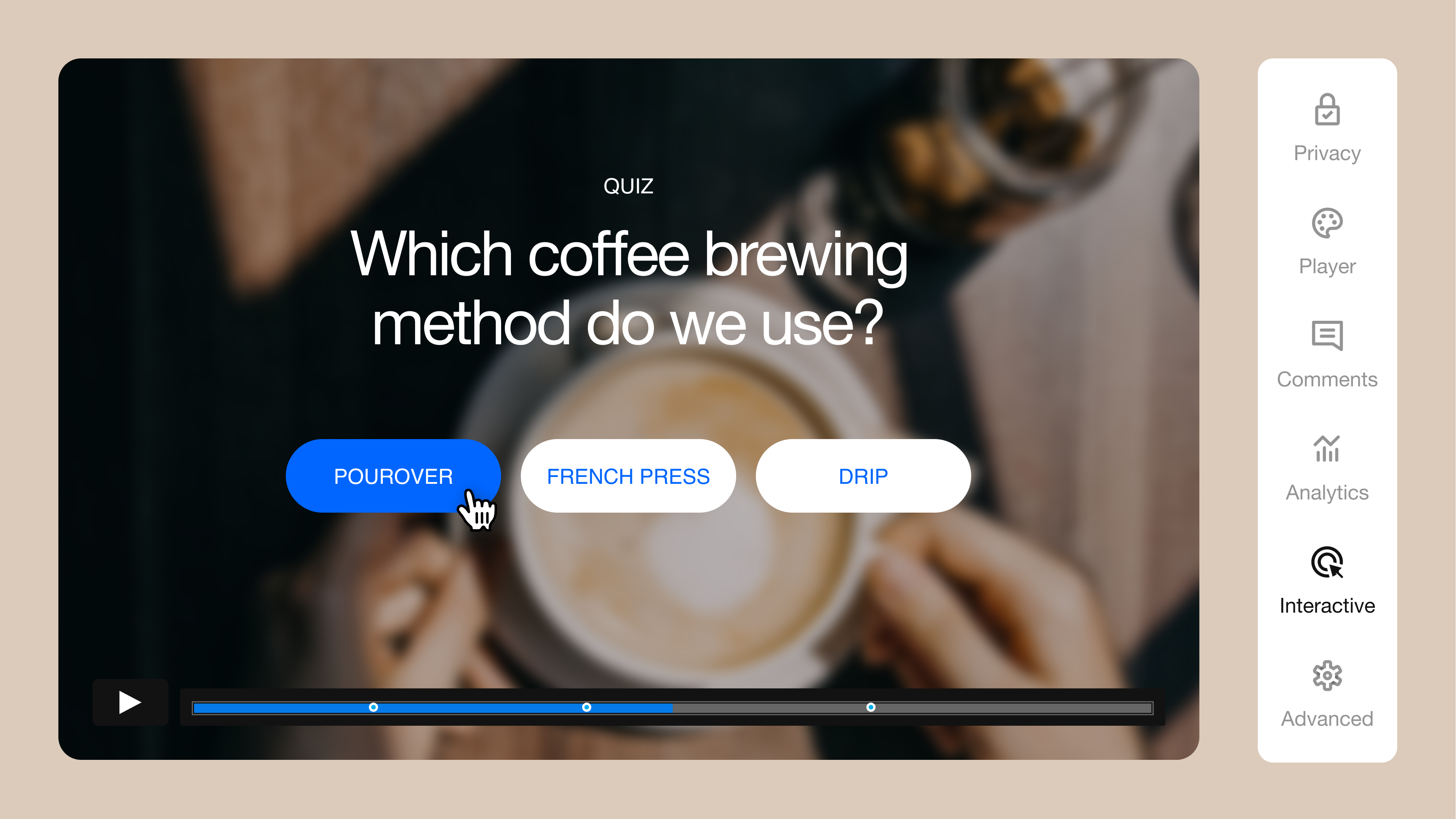
An interactive video experience gives viewers clear, clickable onscreen choices, prompting them to engage directly. You’ll typically start with a standard video, then layer in interactive elements like buttons, hotspots, menus, or quiz prompts. These elements might jump to specific chapters of the video, open product pages, display supporting details, or ask questions.
By creating interactive marketing videos, you move viewers toward a desired action rather than delivering a static message. Interactivity is more convincing and helps your message stick better, which is why many teams use this content format for marketing and education. Plus, you can reduce friction by placing next steps directly within the video player.
You also get more user feedback than just data on views and watch times. When your video hosting platform captures interactive clicks and choices, you can see what parts keep viewers’ attention.
Create quality interactive videos with Vimeo →
How to make an interactive video effective
Interactive video technology earns engagement when the choices you present feel natural and purposeful. These best practices will keep your videos easy to follow:
- Start with one desired outcome: Decide what the viewer should do, then design every clickable moment to support that action.
- Make choices obvious: Use short labels and strong contrast to make interactive elements stand out, then give viewers plenty of time to notice and click through.
- Keep the video focused: Fewer branches with clear payoffs beat a maze of options that leave the viewer stuck or frustrated.
- Test thoroughly: Preview the video on mobile and desktop devices, and click through every interaction to catch any broken links or confusing prompts.
Examples of interactive videos in action
Now, let’s look at the most common scenarios where interactive video is useful, along with tips for each type of content.
Training and development videos
Educational videos work best when students control the pacing, so they can learn at their own rates. Clickable chapter menus, quick knowledge checks, and “choose the next topic” prompts give learners autonomy and mark their progress.
It's worth noting that AI has changed how teams make and update training videos. With AI video tools, you can turn long recordings into short modules, then add quick summaries or quiz questions. With interactive paths and clear storytelling, you can keep each learner on the right track while making the core video content consistent.
That can be a lot of work, so consider using a comprehensive video platform like Vimeo to design your internal training or external courses. You can create and host the content, share it via your learning portal or website builder, and keep playback effortless with an ad-free video player and 4K support.
Explore Vimeo’s learning and development solutions →
Shopping videos
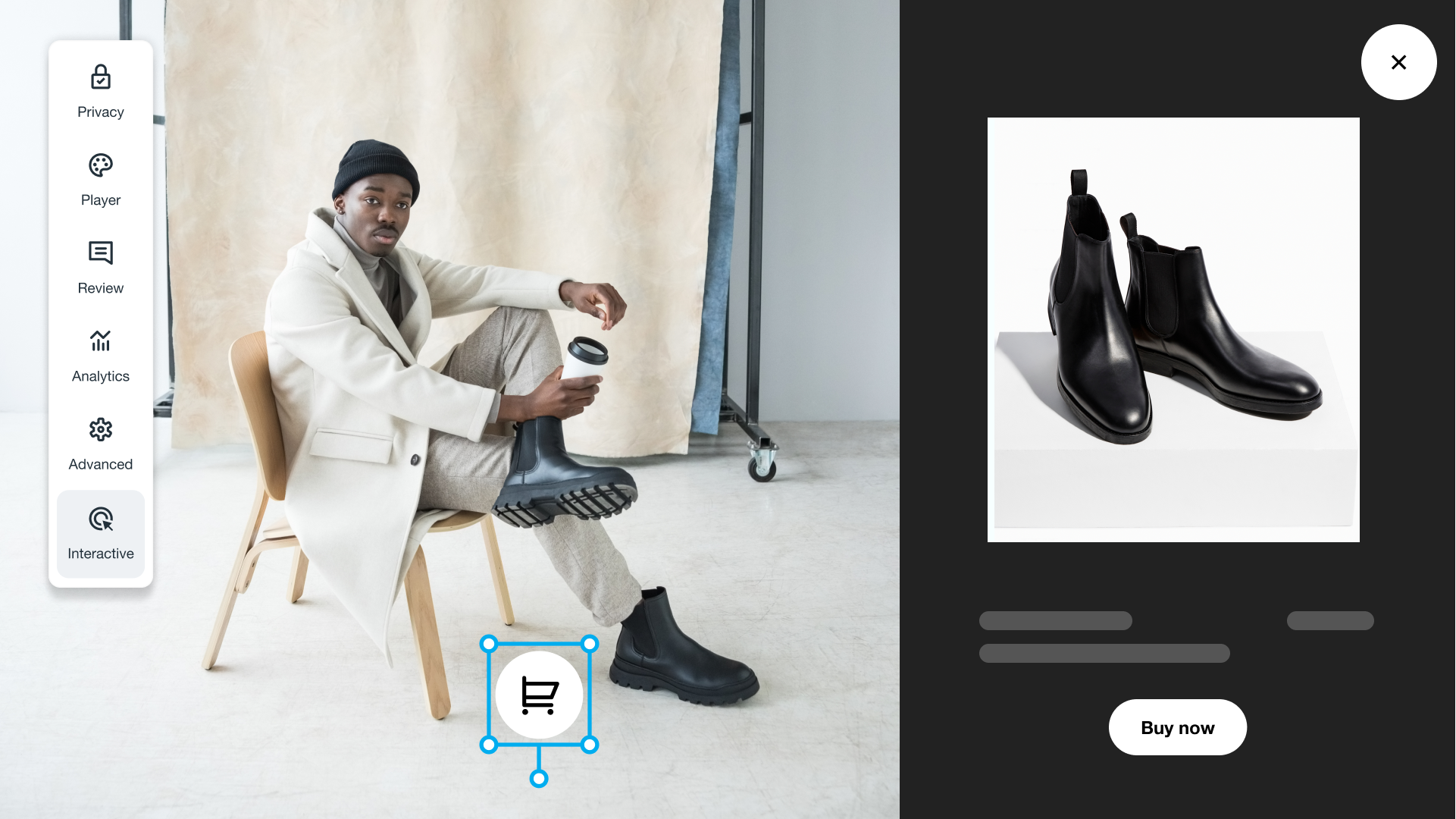
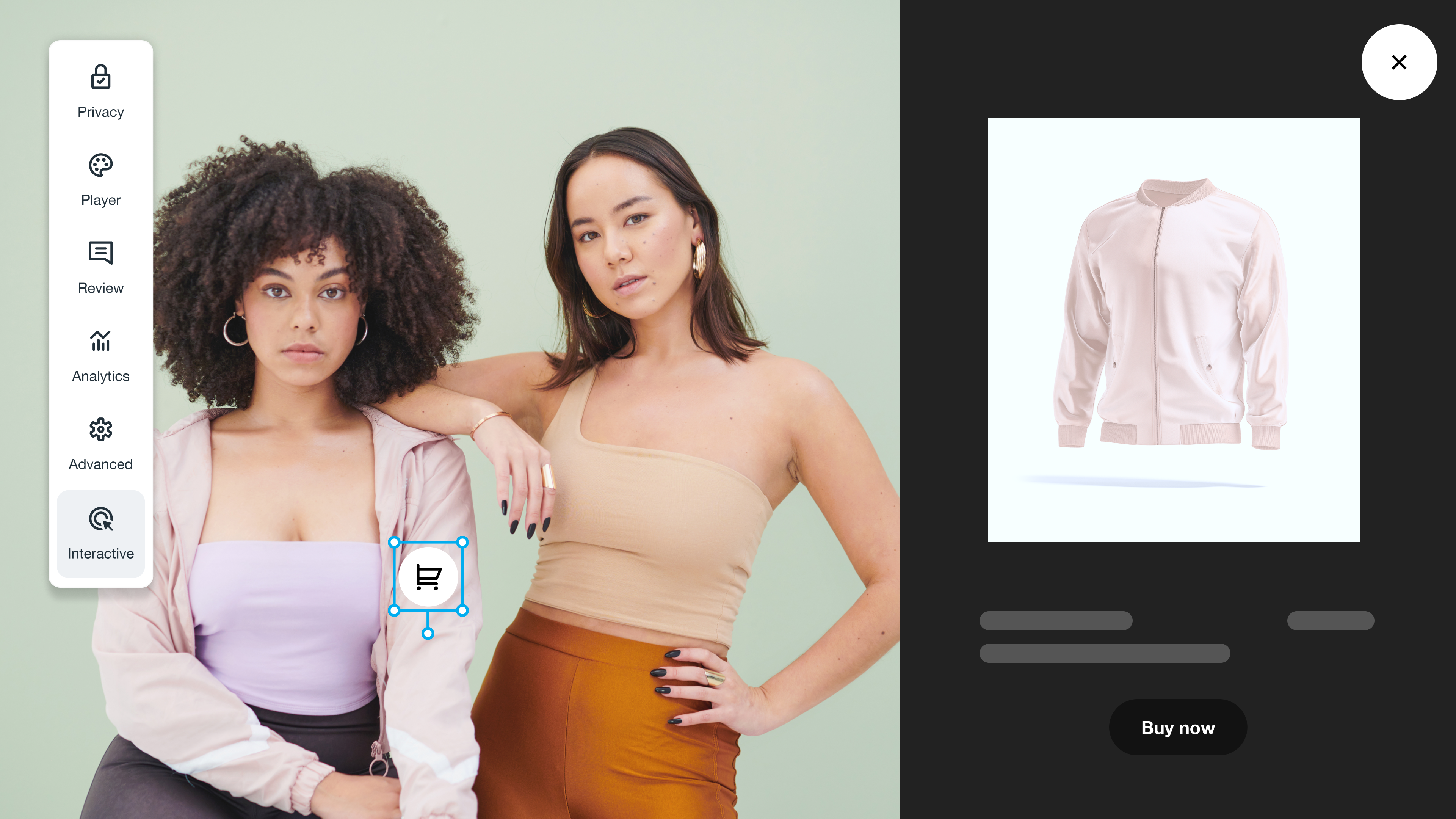
Shopping journeys break down when viewers have to pause a video and hunt around for the product name or location. Shoppable interactive videos address that problem by using hotspots or overlays to show product details at the right timestamps, along with links that send viewers straight to the relevant product pages.
Customer support videos
Interactive support videos let viewers self-route — a clickable chapter menu can split a long tutorial into steps, so your audience doesn't have to search the video’s timeline for one key piece of information they missed. For troubleshooting content, keep choices simple and action-based, like “app won’t load” or “audio isn’t recording,” then branch to the matching fix.
Entertainment videos
Interactive web videos offer exploration and autonomy through branching storylines, hidden hotspots, and pick-your-path moments. This type of video best suits games and episodic content, although it can also make tutorials and courses more engaging. Limit choices to two or three per scene to keep the experience fun rather than confusing.
Marketing videos
Marketing teams use interactivity to move viewers from awareness to action without sending them on a scavenger hunt. Add clickable chapters for key features, and use branching to tailor the story to different audiences.
Interactive video advertising is similar — just swap a static call to action (CTA) like “see pricing” for a choice like “watch the 60-second demo.” This way, viewers control the next step while the video retains momentum. Vimeo’s marketing solution is built for this workflow, and it will take you from creating and editing all the way through to review and performance measurement.
Real-world interactive videos you can learn from
These examples show how teams use interactivity to make video content easier to navigate and act on:
- IFPRI: This nonprofit made a long global food policy report easier to skim by turning it into an interactive experience with chapter-style navigation.
- Dyson: By letting viewers steer the product experience through on-screen interactive elements, Dyson helps potential buyers easily explore different features and views.
- Jamie Oliver: Celebrity chef Jamie Oliver created interactive, shoppable cooking videos that let viewers make recipe choices and then click through to purchase ingredients.
5 tools for creating interactive videos
The best interactive video software handles layering, branching, and data capture in one place, so you can focus on immersive video marketing rather than managing separate tools. Here are five top options — you can also check out our full guide for more details.
1. Vimeo
Vimeo combines professional video hosting with clickable interactive elements, so you can keep your video content high quality while adding hotspot CTAs and chapter-based paths. You also get privacy controls and interaction analytics so you can see how viewers engage.
Explore Vimeo's interactive video features →
2. Cinema8
Cinema8 is interactive video software designed for training and marketing teams that need overlays and data capture tied to specific in-video moments.
3. Dot.vu
Dot.vu focuses on interactive experiences for marketing pages, including video modules you can embed on your site to drive actions like sign-ups or product exploration.
4. Spott
Spott aims to make videos shoppable by adding product-focused interactivity on top of the content, then sending viewers to the relevant product pages right from the player.
5. Eko
Eko is an e-commerce-focused platform with tools for interactive product videos and galleries, plus real-time data and analytics.
Bring interactive video to your audience with Vimeo
Interactive videos change the relationship between you and the viewer. Instead of watching and leaving, people engage directly to choose paths, answer prompts, enter information, or shop inside the player. Make sure each interactive moment has a clear goal, and gather data so you know how viewers respond.
Vimeo's interactive video features are built for this kind of clickable experience, with options like quizzes and branching narratives. You can keep viewers inside your branded Video Player while guiding them smoothly to the next steps. Plus, you can measure how people engage by reviewing Analytics right inside the editor.
Discover all of our interactive video features →
FAQ
How do I pick the best interactive video platform for my needs?
To choose an interactive video platform, first list the interactions you need, such as hotspots, branching, or quizzes. Check each tool for those features, along with a robust editor, easy publishing, customizable analytics, and privacy controls.
How do I host an interactive video?
To host an interactive video with Vimeo, upload the file and choose a privacy level. Add the interactive features you need, like chapters, forms, cards, and end screens. Then use embed links or a custom branded player to share the video easily. If you want to see what the finished result looks like, check out Vimeo’s interactive video examples before you start.
Which industries can use interactive videos effectively?
Interactive video are most useful in:
- Learning and training (self-paced paths, knowledge checks)
- E-commerce (clickable shopping links inside the video player)
- Marketing and advertising (segment viewers by choice, drive clicks)
- Customer support (route viewers to the right fixes fast)
- Media and entertainment (branching stories and interactive experiences)