Every video platform is designed to solve particular challenges and fit specific types of workflows. For instance, StreamYard is built for live streaming, Riverside is configured for high-quality recording, and Vimeo combines video production, secure hosting, and distribution strategy into a single system.
That difference affects more than how you capture content; it also influences how much editing control you have and whether your videos stay organized and usable after recordings end. If you want professional results that serve your goals, you have to choose your tools carefully and consider what you’ll need throughout the entire production process.
In this guide, we’ll compare StreamYard versus Riverside versus Vimeo, looking at each platform’s key features so you can make an informed decision.
What’s Riverside?
Riverside is a browser-based recording platform designed to capture studio-quality audio and video regardless of internet conditions. Instead of relying on a live connection, this tool records each participant locally on their device and continuously uploads the files during the live session.
Although it’s primarily recording software, Riverside offers streaming on higher subscription tiers. As a streaming tool, its core strength is quality, thanks to the reliance on locally captured files rather than compressed live outputs. You get clear audio and high-resolution footage, and you don’t need to worry about connection issues or viewer-side bandwidth limitations.
Riverside is best for creators who need clean source files after live sessions. In particular, podcasters and video podcast producers tend to like this platform because recording quality is determined at capture.
Riverside’s key features
Now, let’s take a closer look at what Riverside has to offer:
- High-quality video and audio capture: Riverside records locally on each participant's device, and it supports up to 4K video and 48 kHz uncompressed audio.
- Multitrack recording: Riverside records separate audio and video tracks for each participant, giving editors more control over rebalancing and clips during post-production.
- AI-powered editing: Riverside includes automatic transcription and text-based editing, along with AI repurposing tools that turn longer recordings into shorter assets for use on social channels.
- Stability tools: Riverside records directly on local devices and uploads files continuously to the cloud for safe backup storage.
What’s StreamYard?
StreamYard is a browser-based platform designed for live streaming and real-time audience engagement. It gives teams a simple way to produce professional live video, without the heavier setup often featured in traditional streaming software.
The main appeals of Riverside versus StreamYard are speed and accessibility. You can launch a live show, webinar, or interview in your browser, then bring remote participants into the session and keep the production moving without switching tools.
That makes StreamYard a solid fit for live-first workflows, where the priority is getting in front of an audience quickly and managing layouts, guests, and audience responses in real time.
StreamYard’s key features
Here’s what StreamYard brings to the table:
- Multistreaming: With multistreaming platforms, you can broadcast to places like YouTube, LinkedIn, and Facebook simultaneously.
- On-screen audience engagement: You can pull comments directly into the broadcast, highlight them with a click, respond in real time, and keep conversations visible to all viewers.
- Professional branding options: You can add logos, overlays, backgrounds, and pre-recorded intro or outro clips without leaving the stream.
- Browser-based guest management: Guests join through a simple browser link, and screen sharing is built in so you can present content or demos without breaking the live stream’s flow.
StreamYard vs. Riverside vs. Vimeo: Finding the perfect fit
StreamYard is built for speed during the live moment, giving you a browser-based control room where you can bring in guests, manage layouts, highlight comments, and stream to multiple platforms with minimal setup. Riverside takes the opposite approach by focusing on recording quality, along with local capture, separate tracks, and editing tools designed for cleanup and repurposing.
If neither of those extremes suits your needs, you might want a more complete video production platform. Vimeo helps you create professional streaming workflows and record high-quality footage — but that’s just the start. It also combines video hosting, editing, privacy controls, branding, analytics, and distribution. For teams that want support beyond the recording or live event, Vimeo supports the entire production lifecycle.
Manage all your video content with Vimeo →
Let’s sum up how these three video platforms compare.
Category | StreamYard | Riverside | Vimeo |
Free plan capabilities | 2 hours per month local recording, 720p resolution, one destination, six participants, watermark, basic recording tools | 720p resolution, one guest, watermarked exports, time limits | 1GB lifetime storage, no-ads player, basic editing tools and Analytics, screen and webcam recording up to 30 minutes, social publishing, video embedding |
Standard tiers | Starts at $35.99 per month for 1080p, 3 destinations, 10 participants, branding tools, unlimited streaming/recording, AI clips | Starts at $24 per month for up to 4K video, 48kHz audio, 15 hours of multitrack recording, AI tools and clips, show notes | Starts at $12 per month for 2TB–4TB storage, customizable video player, privacy controls, branding, lead capture |
Pro tiers | Starts at $68.99 per month for 4K local recording, 8 destinations, webinars, transcripts | Starts at $34 per month for unlimited multitrack, live streaming, producer mode | Starts at $75 per month for 7TB storage, 10 users, live-streamed events, Q&As, polls, chat, multi-destination streaming, simulive/recorded streaming, live Analytics |
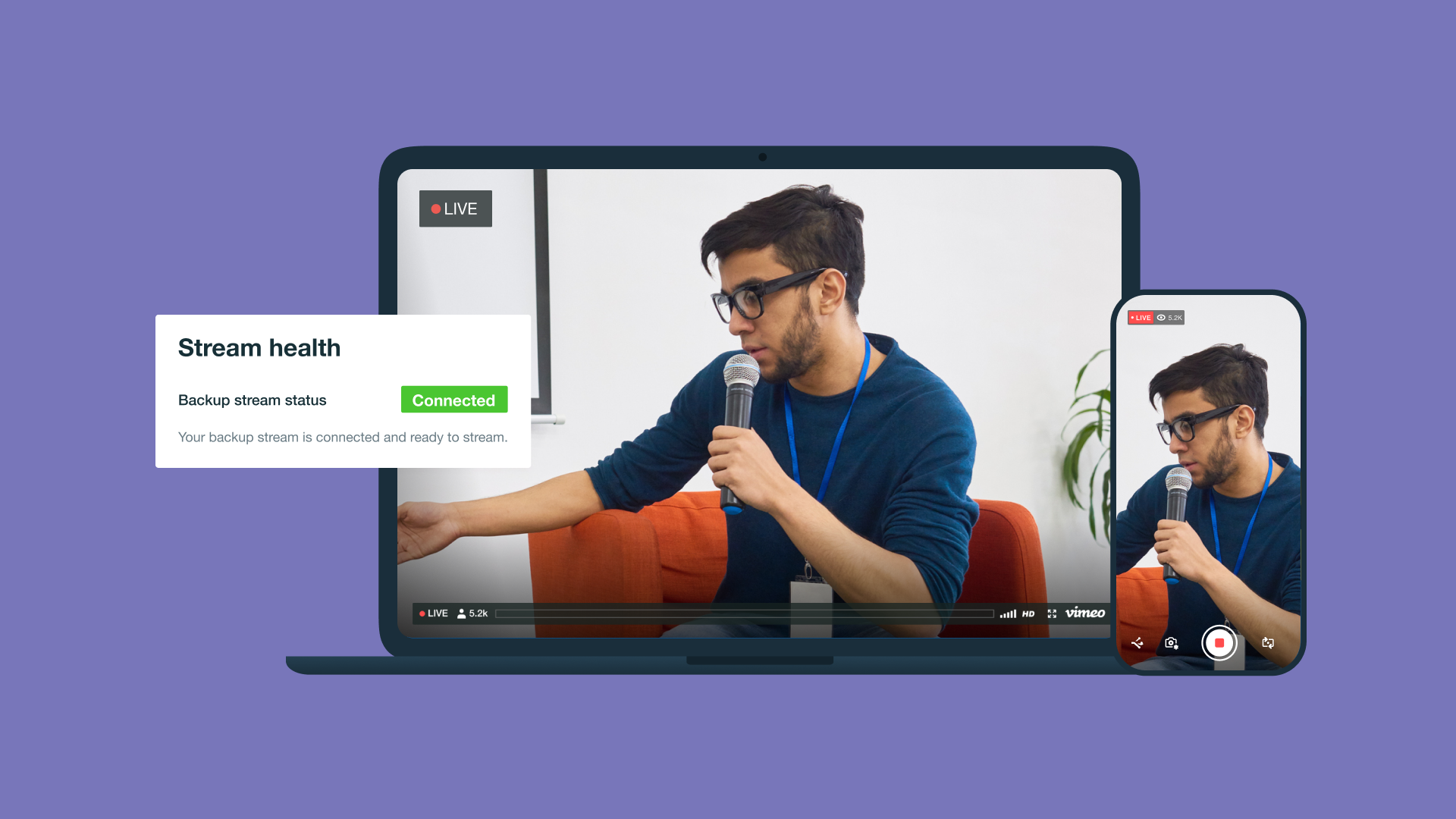
Enterprise options | Custom pricing for more destinations, SSO, unlimited storage, priority support | Custom pricing for up to 10,000 webinar registrants, unlimited multitrack recording, unlimited storage, API access, priority support, SSO | Custom pricing for more users, high storage/bandwidth, SSO, SCIM, advanced Analytics, backup streams, dedicated support |
Key benefits | Live streaming, multistreaming, on-screen comments, branding overlays, browser-based guests | Local 4K recording, multitrack editing, AI transcriptions/clips, stability | End-to-end ecosystem with tools for secure hosting, ad-free players, Analytics, third-party integrations, editing, and distribution |
Streamline and enhance video production with Vimeo
Many modern video platforms offer reliable, high-resolution streaming and recording, so the choice often depends on what you need after production ends. StreamYard is built for live broadcasting, and Riverside offers excellent recording quality, while Vimeo supports the full video lifecycle in a single environment.
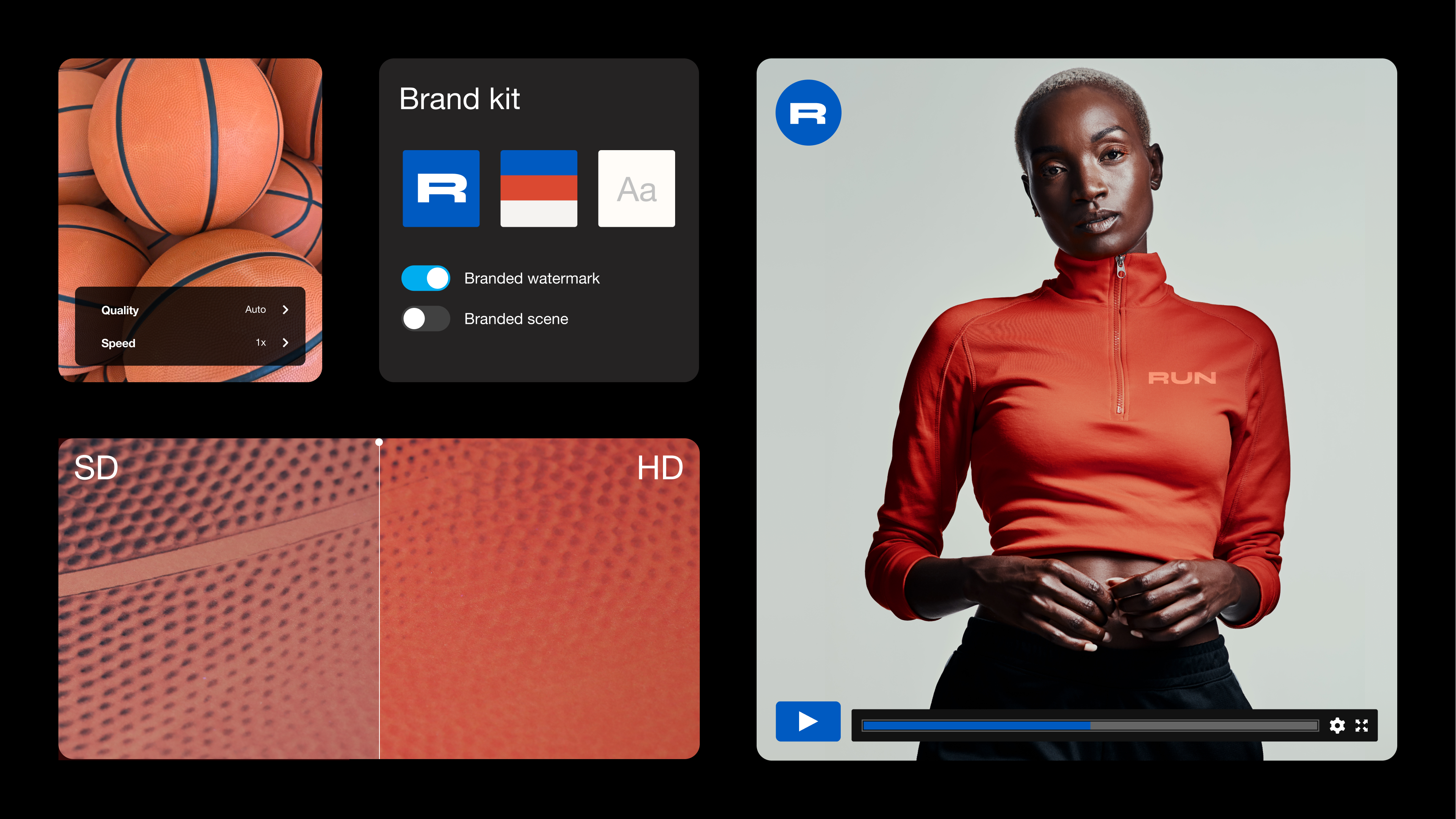
With Vimeo, you can host, edit, secure, and distribute videos — including pre-recorded content and live events — without stitching together separate tools. Vimeo's high-bitrate, ad-free player ensures quality playback, and white-label controls keep the viewing experience fully on-brand. Plus, Enterprise-grade security and deep engagement Analytics add another layer of customization, helping you protect content and measure how viewers interact with it.