Make a free product video that lets your revenue soar
Whether you’re online-only or have a brick-and-mortar presence, you know that your brand’s stylish packaging and product design needs a modern digital marketing strategy to match. Still, it can be tough to find new ways to present your products to your people while juggling the day-to-day demands of owning and operating your small business.
A product explainer video packs a lot of information into a few minutes of visuals. These expert tips can help you bring your best product launch video ideas to life.
Show your audience why your brand stands out
You know why your brand stands out amongst the crowd — make sure your customers do, too. Video can help you highlight your brand philosophy and showcase the amazing work you do. Share what makes your products unique with potential customers, and watch that trust skyrocket.
Keep your message short, meaningful, and authentic
Use your videos to bring product descriptions, brand philosophy, and helpful advice to your people. Remember: attention spans are pretty brief in the digital space, so keep your message short, meaningful, and most importantly, make it feel like you. Customize it even further with font and color choices to make videos that nail your distinctive point of view.
Stick to the goal
Will your product video inform, build awareness, or convert? Decide on a clear goal for your video before designing it to help your video stay on track and make sense to your audience. For example, a product explainer video works for a tutorial, but an advertisement is better for brand awareness. A product reveal video is an excellent choice if you’re looking for new product launch video ideas.
Highlight your product’s features and benefits
Did you know that 90% of customers say that video has helped them make a purchase decision? (We were impressed, too.) What makes your products unique? Is it flavor combinations? Ingredients? Materials? Highlight all those awesome product details, and watch those items get added to more carts.
But don’t be pushy
Build human connections in your video by making it people-focused instead of pushy. Tell your product’s story while giving consumers helpful information to take with them. Add a clear call-to-action with Vimeo’s free product video maker to encourage them to learn more or buy your product.
Give it professional edits
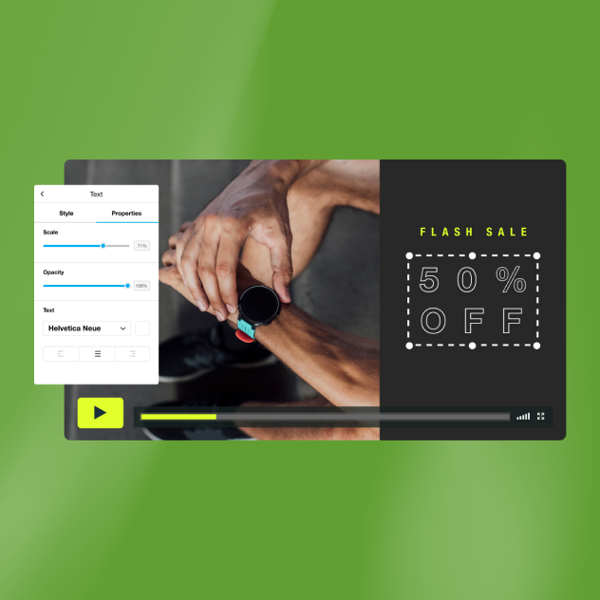
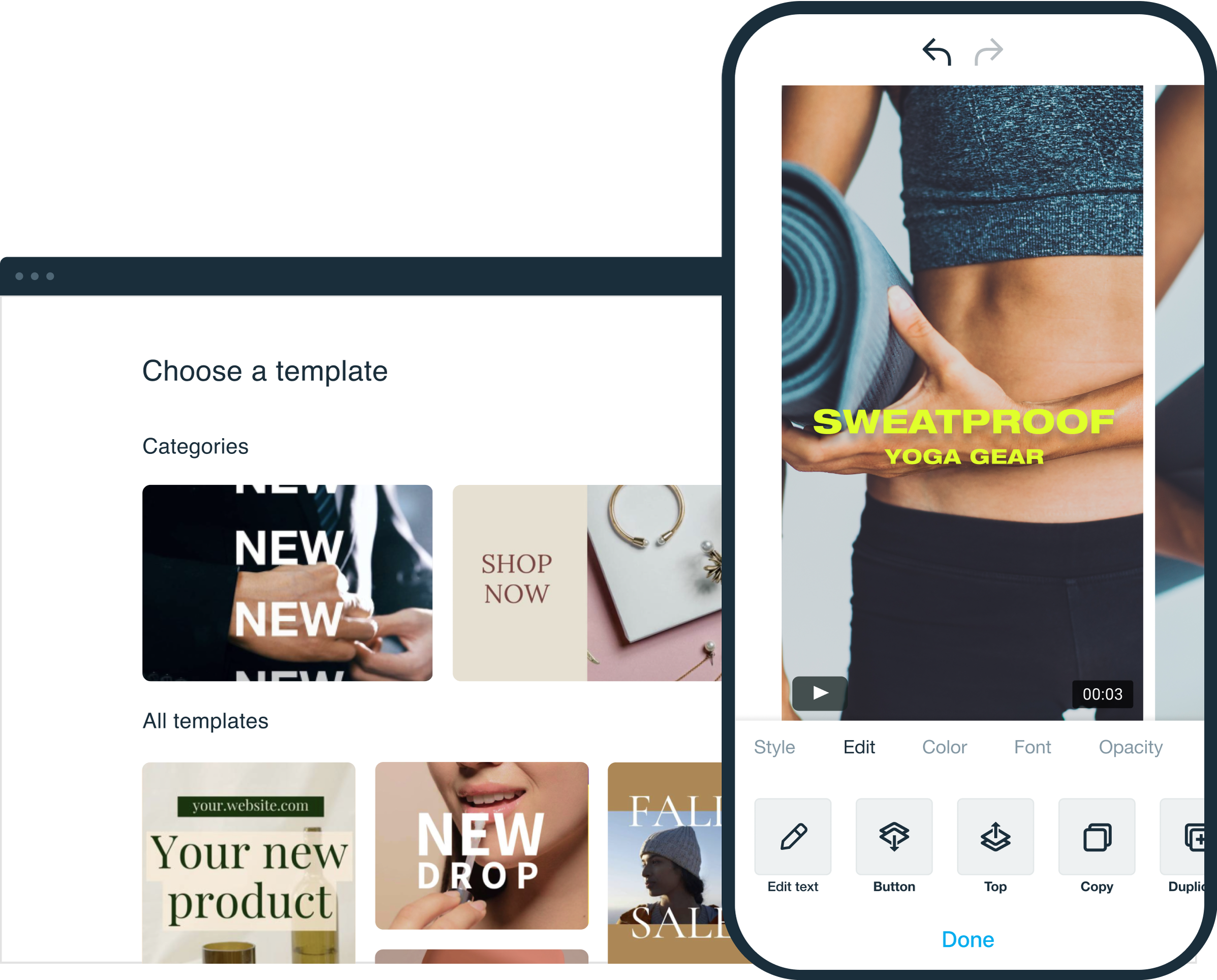
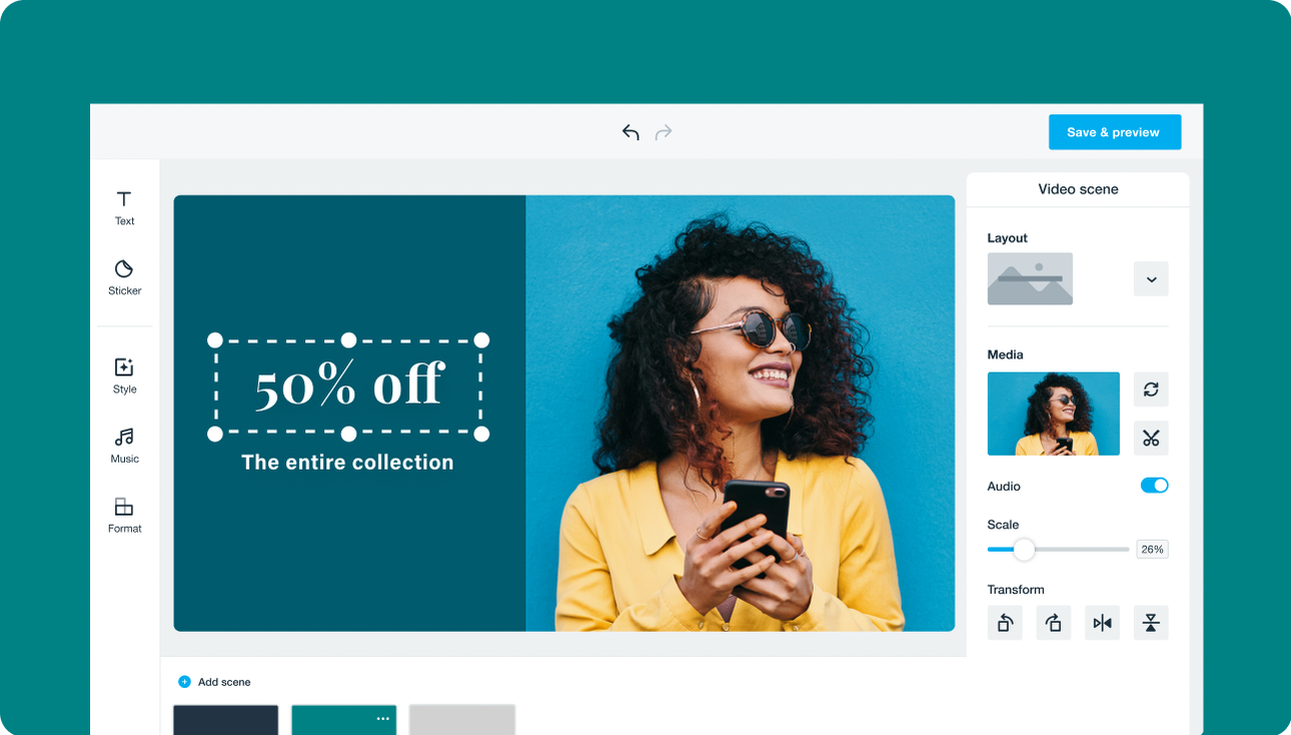
Vimeo Create is the best product video maker for professional-looking videos that don’t require professional editing. You can become the video editor you always wanted to be with built-in tools and filters that make your images and video clips stand out, smooth transitions between clips, and show off a finished product that’s ready to sell. Browse Vimeo Create’s professionally designed product showcase video templates to get inspired by amazing new product launch video ideas.
