More from the Vimeo blog

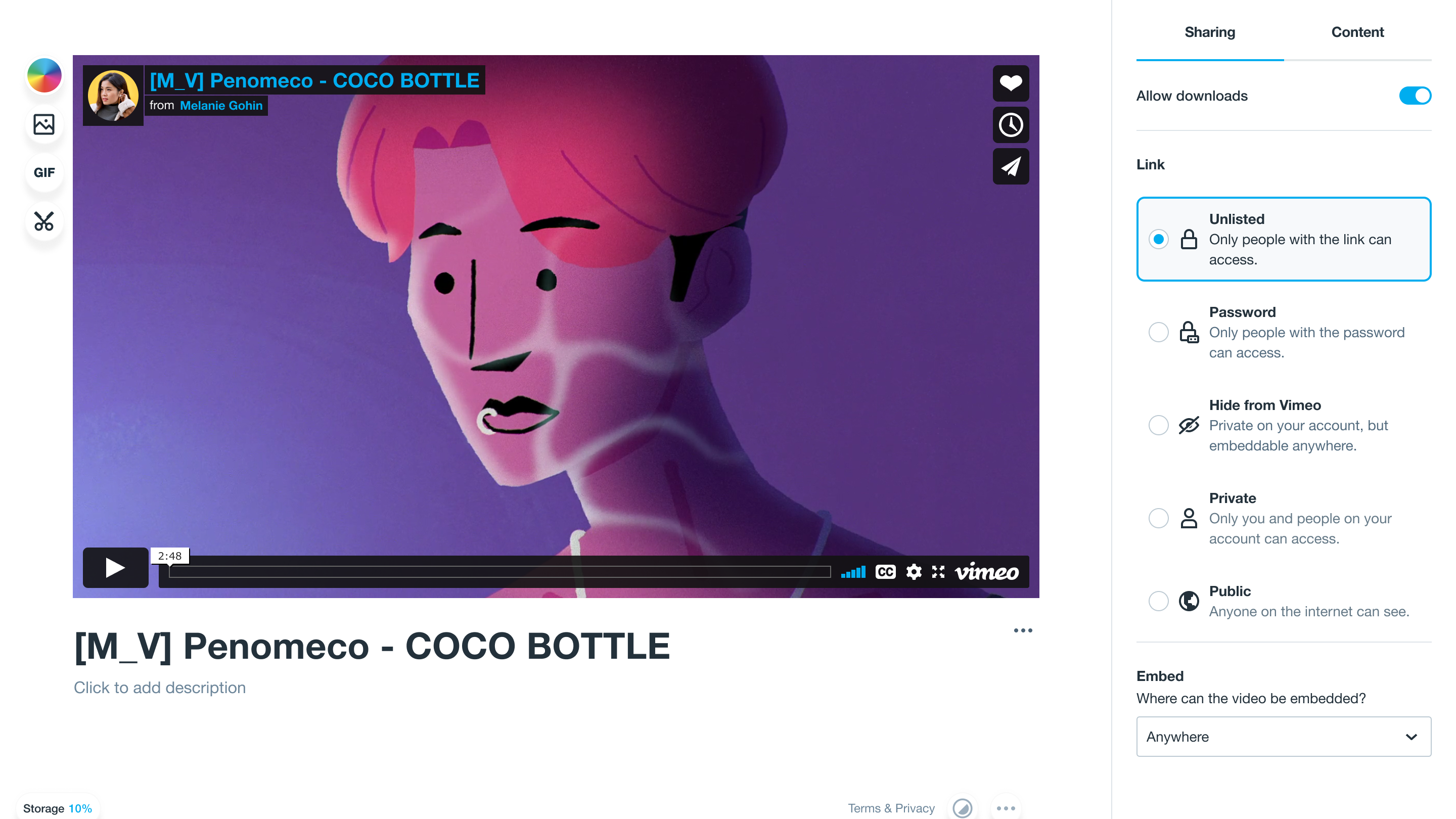
Vimeo video privacy settings that includes private, password-only, public, and unlisted

5 secure video sharing platforms: Features, benefits and use cases

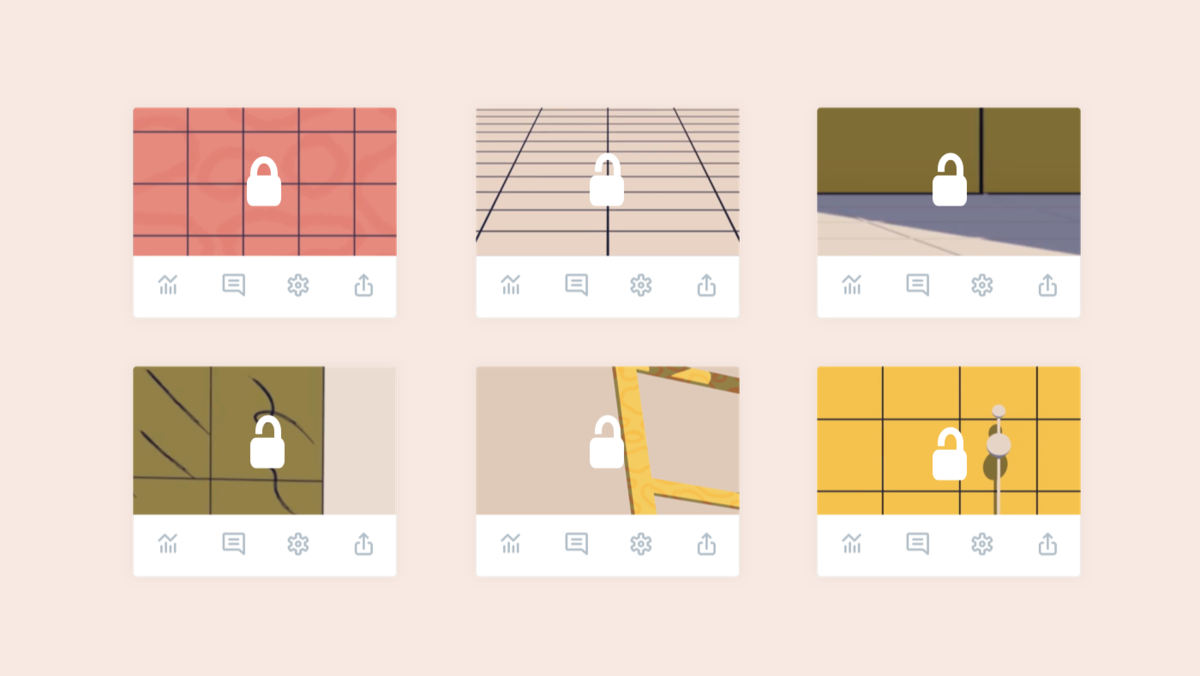
You asked for it, we built it. Now Vimeo Plus, Pro, Business, and Premium members can send people private links to their unlisted video pages.

How to share a private video securely: Vimeo, YouTube, and Google Drive

Pop up on a screen saying that this is a private video that only you and your team can view

Compare these top private video hosting services to upload and protect your video content

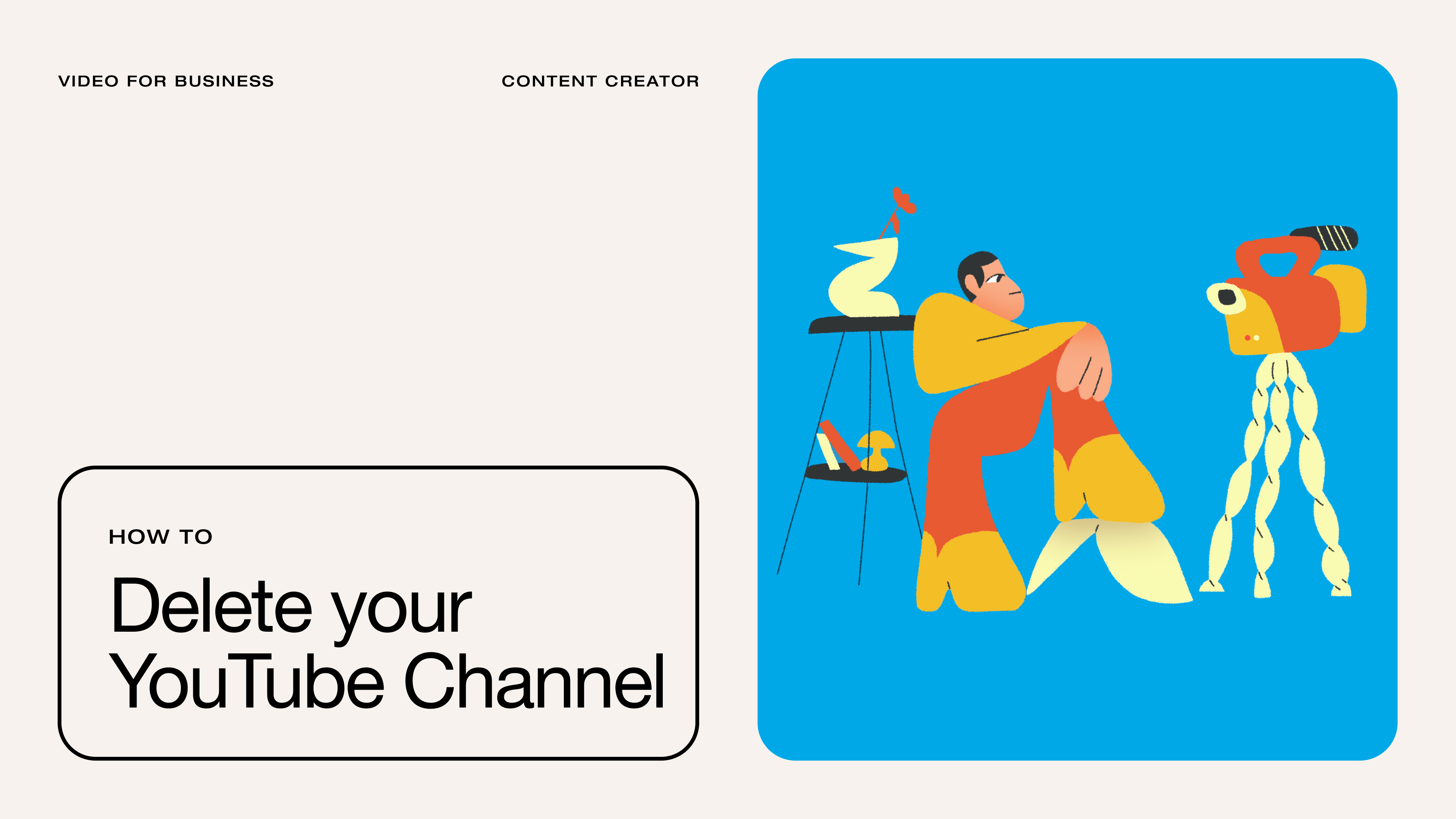
Why the unthinkable might actually be the right move for your business, and when to take the plunge.

How to delete a YouTube channel, and four alternatives to consider instead

2K, 4K, HD, and SD video resolutions of the same video still of a hummingbird

Unlisted vs. private videos: What you need to know when uploading your content

Vimeo's privacy options can help you manage which videos are meant for the world, and others you just want to share with coworkers, clients, or friends.

Video privacy, explained

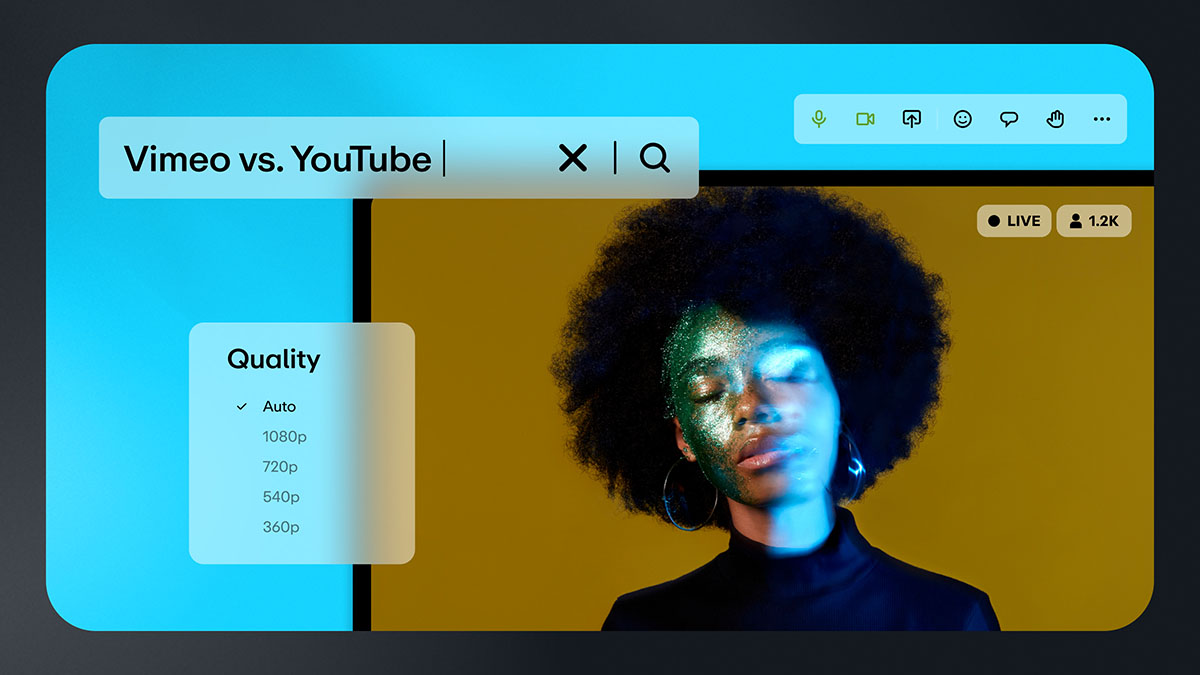
Explore the advantages and disadvantages of Vimeo and YouTube video platforms, from video quality and customization to AI tools and analytics.

Vimeo vs. YouTube: Which video platform should you choose?

A streamlined settings and upload experience make it easier to customize, share, and manage your videos, all from one place.

Your Vimeo experience, now simpler than ever