5 secure video sharing platforms: Features, benefits and use cases
Learn how to find the best secure video sharing. Compare top platforms, explore security features and use cases, and get tips for choosing private hosting.
How to share a private video securely: Vimeo, YouTube, and Google Drive
Learn how to share a private video securely. We’ll help you choose the right platform and manage privacy settings to keep your content under your control.
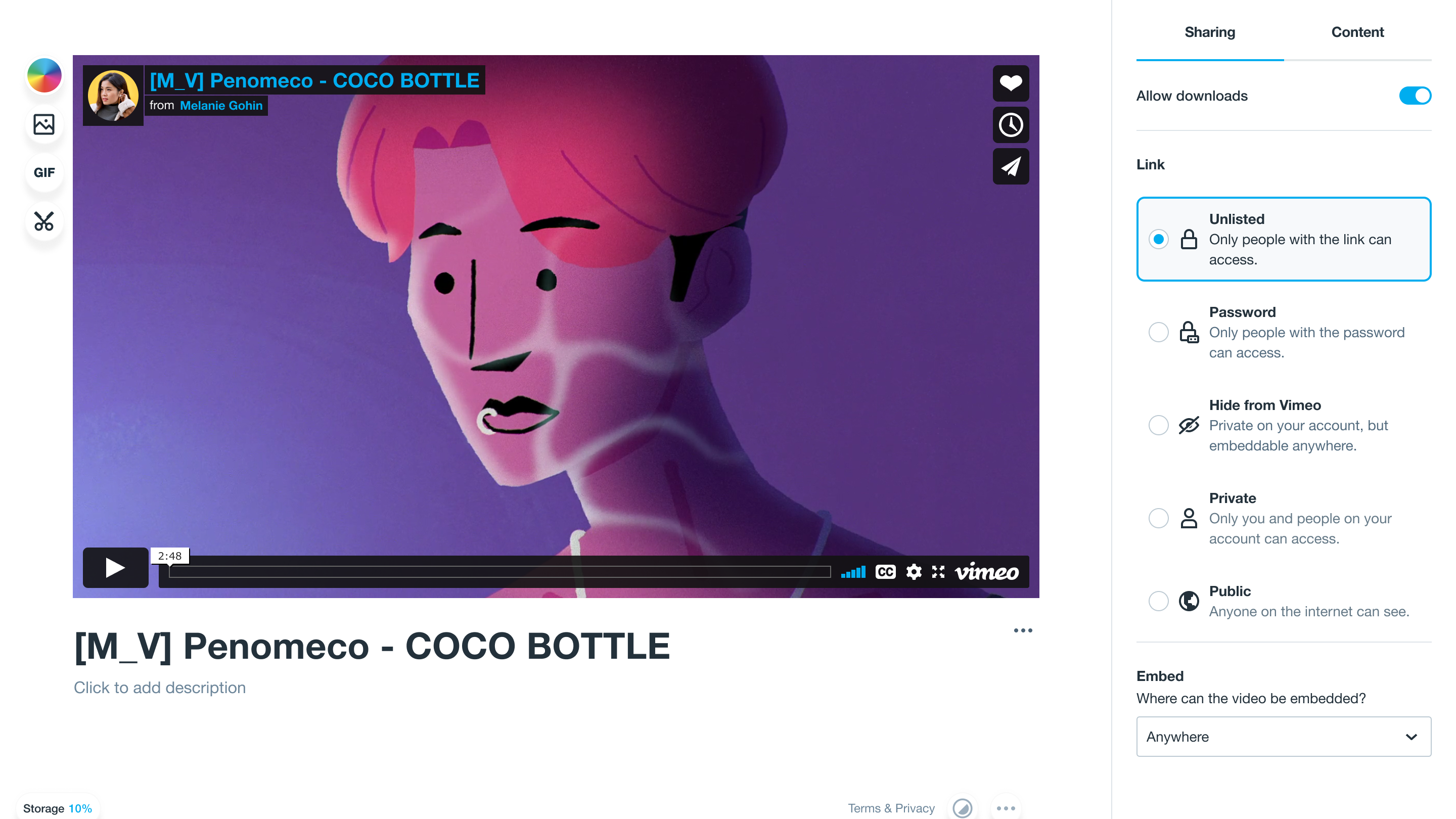
Unlisted vs. private videos: What you need to know when uploading your content
Learn the difference between unlisted vs. private videos so you can upload with confidence and configure access controls on Vimeo, YouTube, and beyond.
Public vs. private videos: How to choose the correct option for your content goals
Learn the differences between private versus public videos on Vimeo and YouTube, including the role of unlisted videos in content sharing and access control.